Personal AI
Develop, experiment and use models locally. Start with software, model and memory.
Explore systemsAI SYSTEMS
From personal AI computers to custom racks. Buy your AI system through BrunCos and build around what you want to run. We handle selection, supply, configuration and integration.
START WITH YOUR GOAL
Develop, experiment and use models locally. Start with software, model and memory.
Explore systemsShare models and services. Assess concurrent users, latency, access and continuity.
Explore GPU serversIntegrate compute, storage, networking, power and cooling. From the rack to its host site.
Plan your infrastructureLooking to buy a personal AI computer? Choose a model and tell us you are interested. BrunCos will prepare a proposal with the configuration, price and delivery timeline. You can start with a single device.
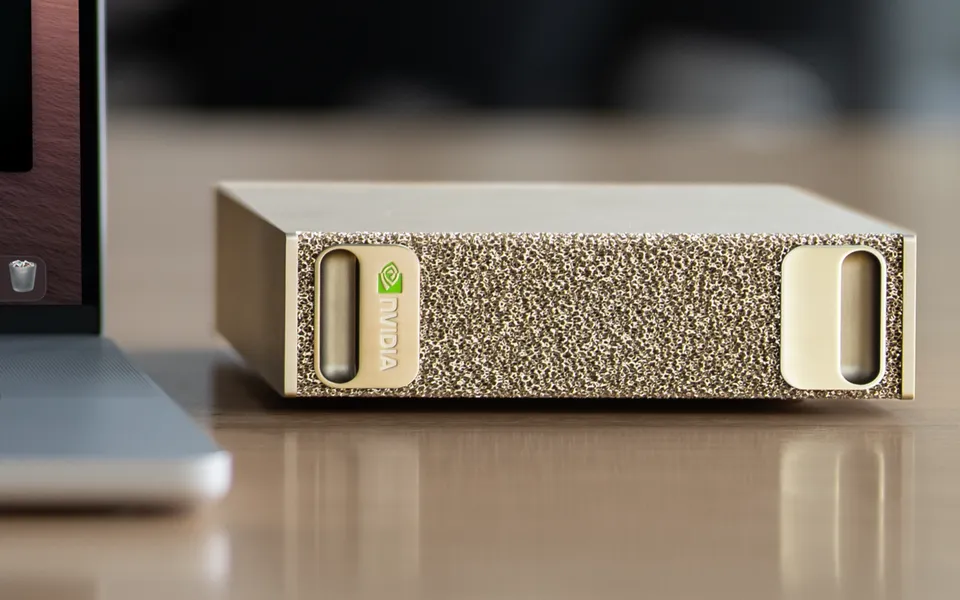
A compact Grace Blackwell platform for prototyping, running and adapting AI models locally.
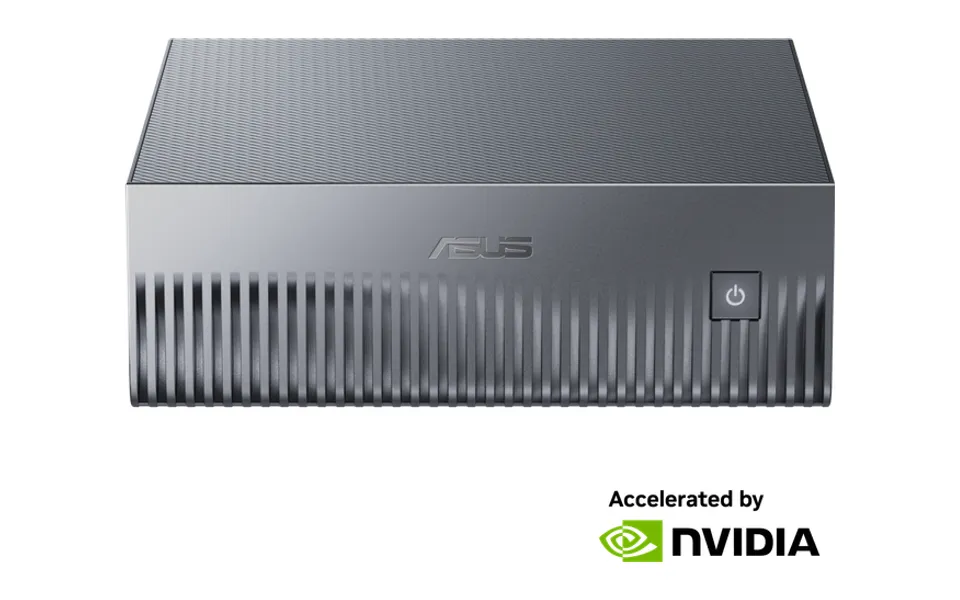
A GB10 desktop system with unified memory and ConnectX-7 connectivity for AI development environments.
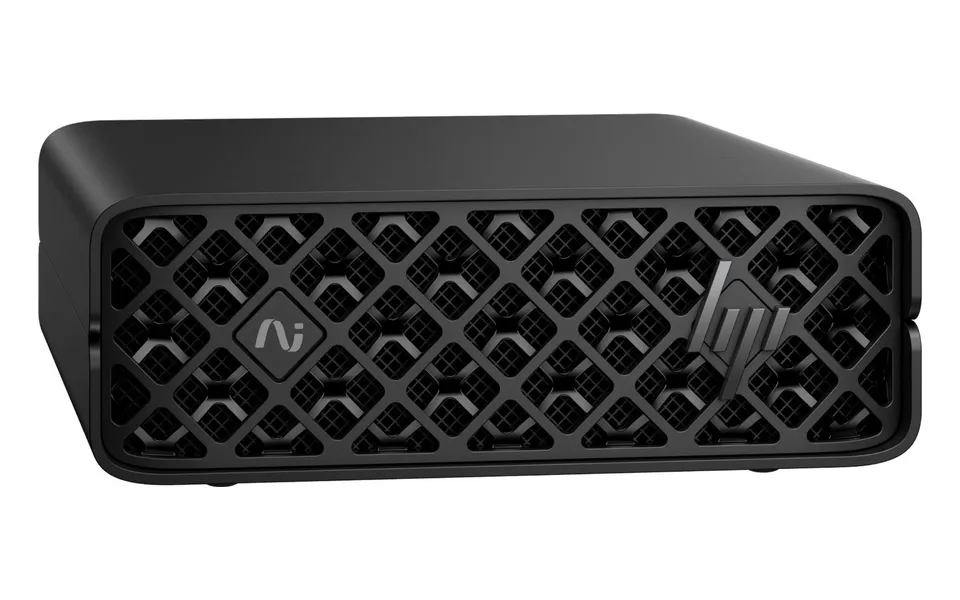
A compact AI station for prototyping, fine-tuning and inference. Reference configuration CZ9J6ET#ABZ.
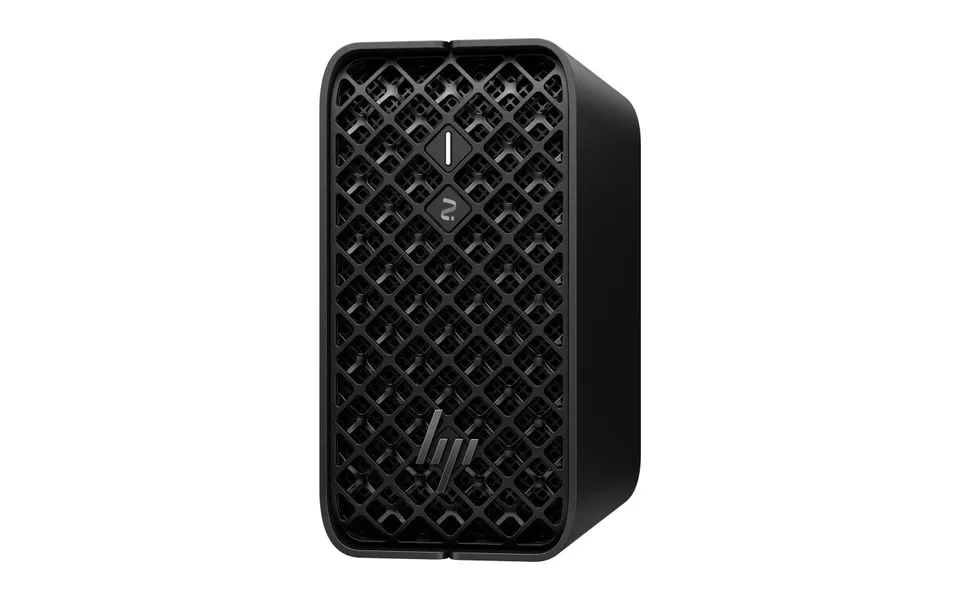
A compact workstation based on AMD Ryzen AI Max PRO. Selection depends on framework and workload compatibility.
We help you choose the right configuration for your model, memory requirements and software.
Compare memory, software environment and room to grow. BrunCos helps you choose the system to buy and the right configuration.
Scroll horizontally to compare software and expansion →
| System | Memory | Software | Expansion |
|---|---|---|---|
| DGX SparkNVIDIA | 128 GB unified LPDDR5x | DGX OS · Linux / Arm64 / CUDA. Check the project's Arm64 images and dependencies. | 128 GB on the platform; scale through networking and nodes with compatible distributed software.Technical source ↗ |
| Ascent GX10ASUS | 128 GB unified LPDDR5x | DGX OS · Linux / Arm64 / CUDA. The operating system tested and recommended by ASUS. | Storage selected by SKU. Networked nodes are possible; memory does not pool automatically.Technical source ↗ |
| ZGX Nano G1n AI StationHP | 128 GB unified memory | DGX OS · Ubuntu / Arm64 / CUDA. Validate the runtime on the selected configuration. | 128 GB unified memory and configuration-specific storage. ConnectX-7 for integration and node networking.Technical source ↗ |
| Z2 Mini G1aHP / AMD | Up to 128 GB LPDDR5x · SKU dependent | x86-64 · Windows 11 Pro available in the range. Check AMD GPU support for the runtime and operating system. | Onboard RAM selected at order; configurable NVMe. For expandable discrete GPUs, consider a custom workstation.Technical source ↗ |
Unified memory is shared with the operating system and applications: it is not all available to the model. Compatibility depends on the combination of hardware, operating system and runtime.
Need more expansion? BrunCos workstationsINSIDE THE SYSTEM
AMD Ryzen AI and Intel Core Ultra integrate multiple compute engines. In servers, AMD EPYC and Intel Xeon support GPUs or run compatible workloads directly. We start with the software to choose the platform.
Runs applications, data processing and services. It can also handle inference, depending on the model and latency requirements.
Performs many calculations at once: central to training and intensive inference. Memory and software compatibility guide selection.
Accelerates local inference with a focus on power efficiency, when supported by the model and software. It does not replace a GPU for every workload.
Ryzen AI Max+ PRO 395
CPU, integrated Radeon graphics and AMD XDNA 2 NPU in one processor.
An option for compact workstations, development and local models with shared memory.
Memory available to the GPU, operating system and runtime support for the chosen model.
AMD Ryzen AI Max+ PRO 395 ↗AMD · Ryzen AI PRO ↗Sources checked on . BrunCos selects and configures the complete system around the right platform.
Core Ultra X7 358H
CPU, Intel Arc B390 GPU and Intel AI Boost NPU in the reference platform.
An option for AI PCs and edge systems: local inference on CPU, GPU or NPU through compatible runtimes such as OpenVINO.
OEM device, memory, drivers and model operators supported by each accelerator.
Intel Core Ultra X7 358H ↗Intel · AI Boost NPU ↗Sources checked on . BrunCos selects and configures the complete system around the right platform.
5th Gen EPYC
Server CPUs for data processing, CPU inference and nodes hosting GPU accelerators.
An option for shared AI services, data pipelines and GPU servers. The CPU can also run the model when requirements allow.
Cores, memory channels, PCIe lanes, power and latency under the actual workload.
AMD EPYC 9005 ↗AMD EPYC · AI inference ↗Sources checked on . BrunCos selects and configures the complete system around the right platform.
Xeon 6980P · Intel AMX
Server CPUs with Intel Advanced Matrix Extensions to accelerate matrix operations in compatible AI workloads.
An option for CPU inference, enterprise services and GPU nodes. AMX is a CPU capability, distinct from an AI PC’s NPU.
P-core SKU, software support for AMX, memory, topology and system power.
Intel Xeon 6980P ↗Intel AMX ↗Sources checked on . BrunCos selects and configures the complete system around the right platform.
A TOPS figure is not enough to choose. Numerical precision, memory, software and measurement conditions must be comparable. We assess response times, concurrent users and power consumption against your workload.
Every machine starts with a real workload. NVIDIA or AMD GPUs are selected against the toolchain, memory requirements and duty cycle.
A dedicated environment for AI development, coding agents, local LLMs and computer vision.
Model, memory and toolchain
Design with BrunCosFor technical teams, rendering and AI. Multi-GPU options assessed against software and interconnect requirements.
Parallelism and workflows
Design with BrunCosA project-specific configuration for demanding workloads, with power, thermal design and expansion in mind.
Capacity, power and thermals
Design with BrunCosCustom BrunCos workstations: components, configuration and acceptance testing are tailored to your workload in a dedicated proposal.
From shared inference to intensive workloads: server design starts with capacity, concurrency and continuity requirements.
2GPU
Inference and AI services for teams and SMEs.
Configure with BrunCos4GPU
More workloads, users and processing capacity.
Configure with BrunCos8GPU
Project-specific research, training and intensive inference.
Configure with BrunCosPROJECT VARIABLES
GPU / CPU / RAM / VRAM / NVMe / Network / Power / Cooling / Software stackGPU count describes a design class. Multiple GPUs do not automatically pool their memory: the software must support model distribution.
04 / CUSTOM AI RACKS
We design what connects, powers, protects and manages the servers.

Measurements published by StorageReview, NVIDIA and Puget Systems: evidence to inform your choice, read alongside the model, configuration and conditions of each test.
StorageReviewEditorial test
NVIDIA DGX Spark · GB10 · 128 GB
Qwen3 Coder 30B-A3B · FP8
Concurrency 1 and 64. The second value is total throughput across requests, not per-user speed.
Runtime: vLLM
Input/output lengths and vLLM version are not stated for these results.
Divyansh Jain ·
Checked:
NVIDIAManufacturer test
NVIDIA DGX Spark · 128 GB
Qwen3.5 35B A3B · FP8
128K input tokens, 1K output tokens, batch 1. Latency includes prompt processing and generation.
Runtime: vLLM
Representative results published by the manufacturer; runtime version not stated.
Allen Bourgoyne ·
Checked:
Puget SystemsIntegrator test
2× AMD EPYC 9554 · 24×64 GB RAM · RTX 6000 Ada 48 GB
DeepSeek-R1 · Unsloth Q4_K_M
Prompt 2, approximately 7,500 input tokens. Hybrid CPU/GPU inference: generation with 126 and 254 CPU threads.
Runtime: KTransformers
Output lengths vary; runtime version not stated. Electrical consumption was not measured.
Jon Allman ·
Checked:
For your project, we measure what matters: time to first token, per-user speed, concurrent requests and wall power, using the agreed model and software.
Define your workload testYOUR NEXT STEP